Table of Contents
Interest payments and event-based payments are crucial aspects of the investment process. Interest payments are scheduled disbursements based on the terms of the investment, while event-based payments are triggered by specific milestones or occurrences within the investment lifecycle.
Each investment package has predefined interest payment dates, ensuring that payments align with the agreed terms. However, only admin users have the ability to generate the necessary statements and reports related to these payments. These reports provide transparency and ensure that all financial activities are properly tracked and documented.
How to Generate Event Based Payments #
- Login to your Administrator account
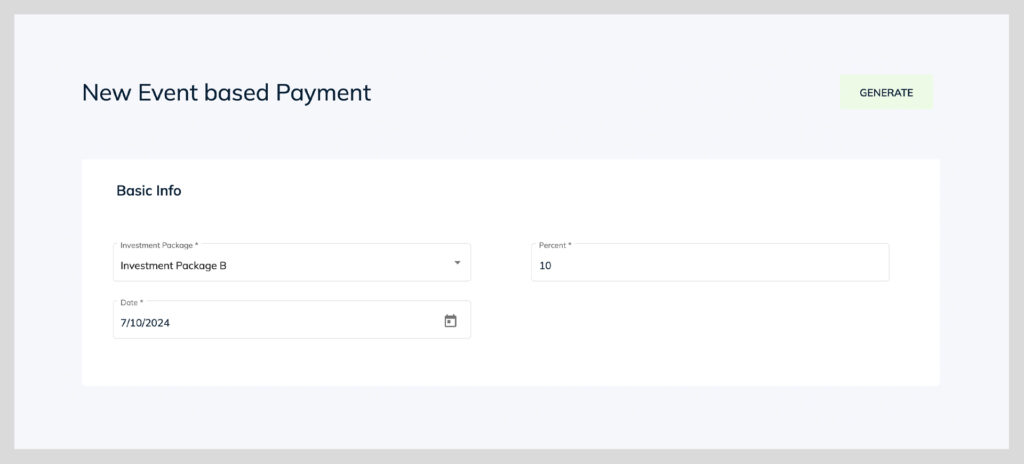
- Access “Investments” on the main left navigation and click “Event-Based Payments”
- Select the date
- Enter in the % to be paid (this is referring to the % off the principal amount)
- Run the report
- Download the report Xls
- Create a task to the issuer of the package for confirmation
- Upon confirmation, run steps #1-4 again
- Click “Generate both” (this generates statements & PDI’s (Payment Disbursement Instructions))
- Payments are generated and updated in the Disbursement module for processing.